

The visual era has made it clear that videos are the most preferred form of communication as they can attract and hold the viewer’s attention for a longer time. Video-sharing platforms like TikTok and YouTube tell us exactly why they are more successful by surpassing other digital media formats. Today, videos are predominantly used for marketing, information, entertainment, and more. From product advertising to personal branding, videos are increasingly used to reach audiences in a short time. The resume world is also jumping on the bandwagon with video resumes as an emerging process of job application. If you are creative and wish to present yourself instantly to your future employer, it can be the right tool to get their attention. Done right, they can be a game-changer, making recruiters curious to learn more about you.
What is a Video Resume?
Video resumes have become the hype that is changing the current trend of job applications. This is unlike traditional resumes where one is allowed to simply key in the text but here you get the opportunity to record a short video and present yourself to the employers. You may leave it as an elevator pitch with your best skills, achievements and why you are the best candidate to be hired in the company.
A video resume will provide you with a platform to narrate about yourself. Imagine a cover letter, only much shorter, with your face, voice, and personal charisma. The profile of your personality will make the recruiters easily recall you among the other applicants.
The duration of the video resume is preferably 90-120 seconds; the longer it takes, the less interest will the recruiters have. It should be supplementary and it should not be regarded as an alternative to written resumes. A well-written resume may assist you in catching the focus of the recruiters whereas a pocky one may damage your probabilities of being employed.
What Are The Different Types of Video Resumes?
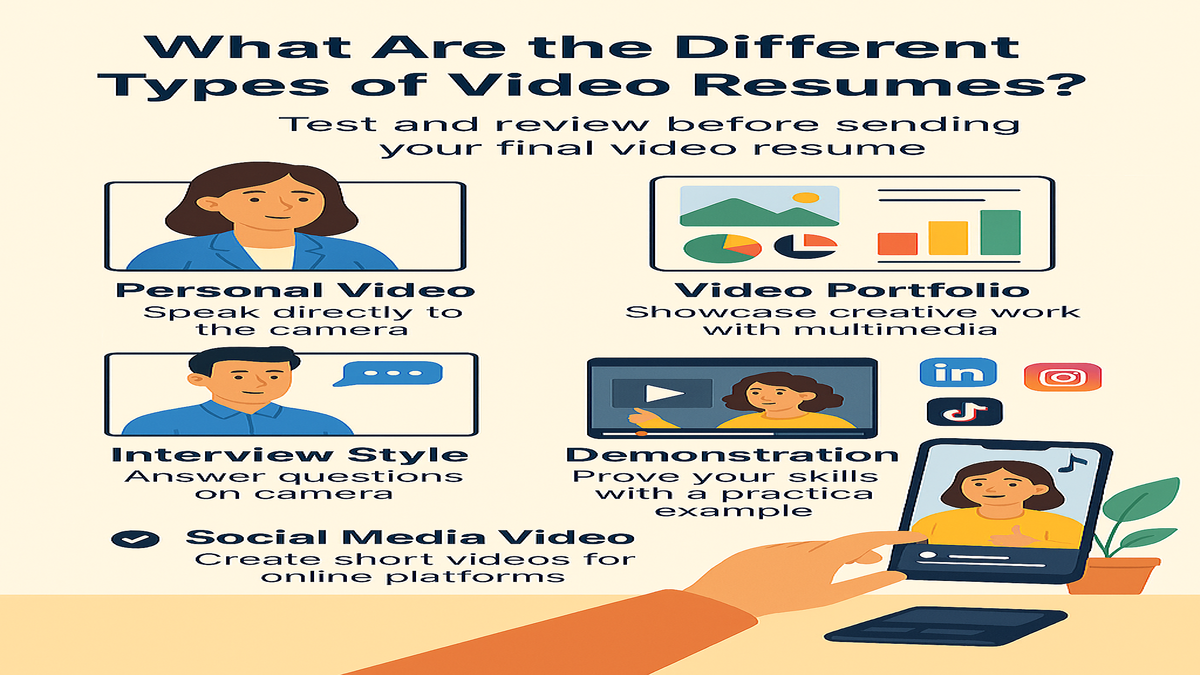
A video resume can be made in different ways, depending on the recruiter’s expectations and how you want to demonstrate. You can create a video in any of the following styles.
- Personal Video: This is the most common type of video used by applicants for most jobs. In this style, you can appear in person and record yourself facing the camera. Introduce yourself in a conversational tone, focus on your key skills, and explain what makes you a fit for the job.
- Video Portfolio: In this video format, you can use a visual storytelling pattern to introduce yourself, your skills, and work samples to show your creativity and technical proficiency through animation, infographics, video clips, visuals, or voice-overs. Best works for professionals who are in the creative, design, and technical industries.
- Interview Style Video Resume: In this style, you can simulate a job interview and record responses to common interview questions on camera. You can either host yourself by using text or voice-overs, or invite a friend or colleague who can ask questions off-screen while you answer directly to the camera. The main purpose of this video is to persuade the employer of your worth and how you can add value.
- Demonstration Video: In this type of video, you are not just sharing your skills but also showing how it is done by performing a task, teaching a topic, or writing code. The visual examples add layers of credibility to your expertise. This video format is ideal for educational or technical roles.
- Social Media Video Resume: Designed for platforms like TikTok, LinkedIn, or Instagram, these are short-form videos offering a visually rich way of showcasing your skills and achievements. This format is fast-paced and often uses text overlays, background music, and visual transitions to capture attention quickly. Digital marketers, PR professionals, designers, editors, and content creators are some professionals who are best suited to utilize this video form.
Pros and Cons of a Video Resume
A video resume helps showcase your personality, communication skills, and enthusiasm, making your profile more engaging for recruiters. However, it requires professional presentation and can be time-consuming to create and customize for different job roles.
Pros of Video Resumes
Video resumes are becoming a powerful medium for presenting your professional story, passion, and proficiency. If well articulated, it can work as your trump card in capturing the interest of recruiters. If you are a job seeker, it can prove invaluable to you in numerous ways. Recruiters are looking not only for the right talent but also for the right attitude. Through videos, they can see and hear you even before you appear for an interview. It gives life to your personality with your communication skills, body language, and enthusiasm in a way that contemporary resumes cannot. You can often find yourself in a tricky position if your profile is not a hundred percent match for a role you want. A video resume can be a booster and help you circumvent the minimal shortfall by giving you the opportunity to fill in the gaps. You can highlight your top skills, best work, and job-specific strategies that you want to bring to the table. Video Resumes can speed up the hiring process. With many job portals introducing optional features to include your video as part of the profile creation process, it can appear to many recruiters at once, giving you an edge. The availability of video can maximize the visibility of your profile, potentially resulting in more interview invitations.
Cons of Video Resumes
You should always consider the challenges involved in video-making. If you are creating a video resume, you have to make sure it comes out professionally with zero mistakes. Missteps like missing captions, poor lighting, or even stiff body language can put off a recruiter, costing you a coveted interview call. If you frequently apply for jobs, it will be difficult for you to create different versions of videos compared to your text resumes. While customizing your resume for every job is also time-consuming, recording multiple videos may not be a workable option, especially when you are busy with job preparation.
Should You Really Make a Video Resume?
Video Resumes are a new concept and a rising trend, but before getting on with it, you should find out if you really need one. In some industries, it is winning, in a few it’s catching on, and in others it is still not an acceptable mode of job application.
When Does a Video Resume Work

Making a video resume can be favorable to you if you are in an industry that has an affinity towards visual illustration, multimedia tools, and personal branding. Some roles where it can be beneficial include:
- Digital Marketing: You can portray your branding skills to show campaign reach or engagement rates through visuals, transitions, or data snippets.
- Designers: Whether you are designing graphics, products, or applications, you can use motion graphics or animations to show your creativity and design philosophy.
- Event Management: As a photographer, videographer, or event manager, a video resume can be the best platform to showcase your artistic vision, cinematography, or coordination skills.
- Media and News: In this profession, you can showcase your on-camera confidence, composure, and ability to engage with the audience using excerpts from past reporting or interviews you have conducted.
- Marketing and Customer Service: In these roles, you can demonstrate your poise, interpersonal, and negotiation skills through customer feedback or client success stories.
Other than these, video resumes are also being welcomed in tech, education, start-ups, fully remote or hybrid firms, and other next-generation companies like E-commerce or Artificial Intelligence.
When Not To Use a Video Resume
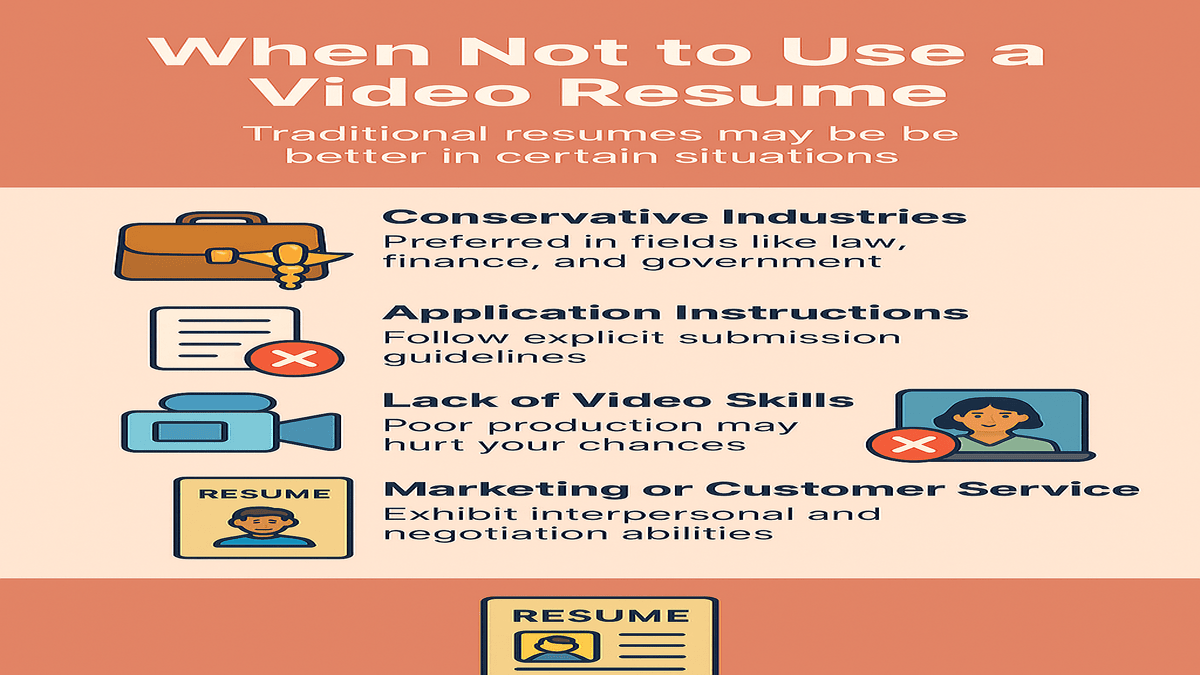
Making a video resume may sound fun, but it may not be of value if used in the wrong places. While they may be instrumental in effectively highlighting your creativity, personality, or communication skills, they are not always the best choice. Using a traditional resume can be a better option in some of the following situations
If you are applying for highly formal fields such as healthcare, law, finance, or government jobs, a video resume may be considered unprofessional. Conservative fields are more procedural and receptive to traditional job application formats, so it’s safer to use a well-crafted resume and adhere to industry standards.
Next, if the application guidelines do not mention video submissions, it’s best to follow the explicit instructions. Including a video as an add-on may do more harm than good, no matter how good you are as a candidate.
Generally, uploading a video resume is optional during a job application. You should avoid creating one if you do not have video-making skills or if you are not at ease on camera, as it may create a bad impression if the video is not well-pulled off. In such cases, it is better to polish your written resume and cover letter, which will help you stand out.
Steps To Create a Video Resume
It may be overwhelming to create a video resume, but with the right help, you can work out a splendid one. Here’s a list of steps you can follow to create an effective video resume.
Step 1- Planning The Script of Your Video Resume
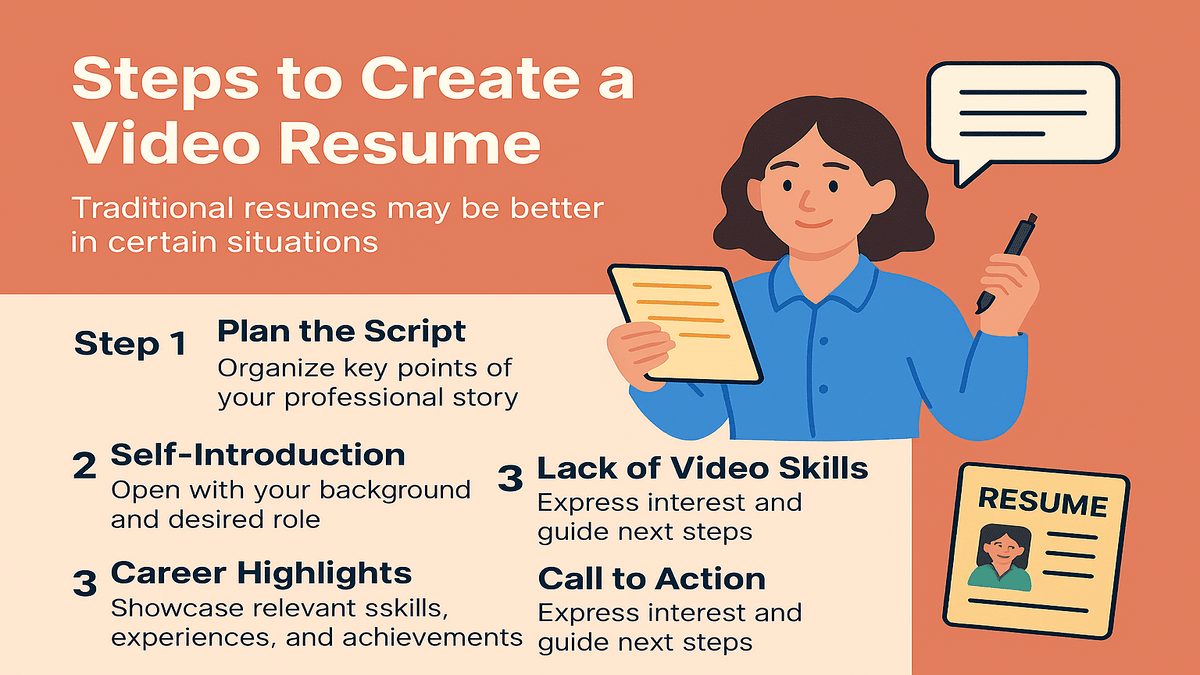
Preparing a video resume requires a sound plan, since it takes more time and effort than a regular resume. Usually, you can share your resume with the employer right after you complete it. But this is not the case with a video resume. In this format, you are not only deciding the content but also its presentation. Simply put, text resumes focus on what you want to say, while video resumes emphasize how you want to say it.
A video resume script is a concise narration of your professional journey that outlines the following
- Self-Introduction: Pitch a polite introduction beginning with your name, qualification, professional background, and the role you are applying for. It should be brief, specific, and reflect your energy that piques the interest of recruiters.
- Career Highlights: After introducing yourself, convey your enthusiasm for the role by showcasing your key skills, experience, and notable achievements. If you are a recent graduate, you can share your internship or volunteering experience, focusing on specific areas where you honed your skills. As a seasoned professional, use this opportunity to highlight tangible achievements that demonstrate your core strengths. Avoid exaggeration so that you look realistic to recruiters. This is the most crucial part of the video, so tailor your content around the requirements of the employer, giving them an idea of how well you understand the role.
- Call to Action: Finally, include a powerful call to action. Show your excitement for the role and let them know when you are available to discuss further. Thank them for their time and guide them to your contact details, social media, or portfolio links. The ending of your video should leave a positive impression, encouraging the employer to connect with you.
Step 2- Choose The Right Spot and Equipment
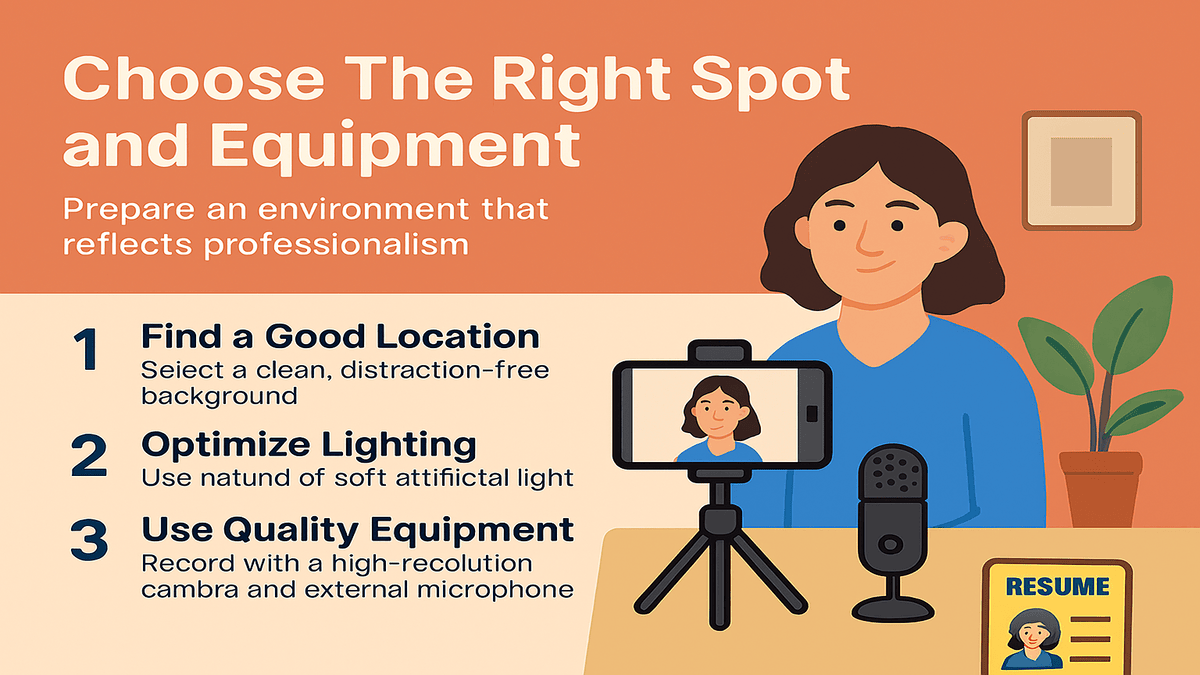
Once you have your video script in place, work on your video setup. For your video to be compelling, take care of the surroundings where you want to shoot the video and the equipment you will need to create it.
The filming area should be clean, professional, and free from distractions. Choose a sober background with a modest interior. You can use a suitable place from your living room or your office cabin before or after busy working hours. Alternatively, you can select background pictures online to enhance the visual appeal.
Lighting is an important factor in a good video. Filming in natural light can be the best choice as it has a realistic impact on the visuals. If natural light is not an option, you can use a mild studio light setup or LED panels as an external light source. The lighting should be balanced and should not create shadows or make you uncomfortable.
As for equipment, you don’t need a high-tech camera to produce a quality video resume. You can use a smartphone with a good resolution to capture clear and sharp footage. Use a stable surface or a tripod to keep your camera steady. For a clear audio, consider using an external mic within your budget. However, steer clear of background noise that can mix with your audio.
Step 3- Follow a Dress Code Policy
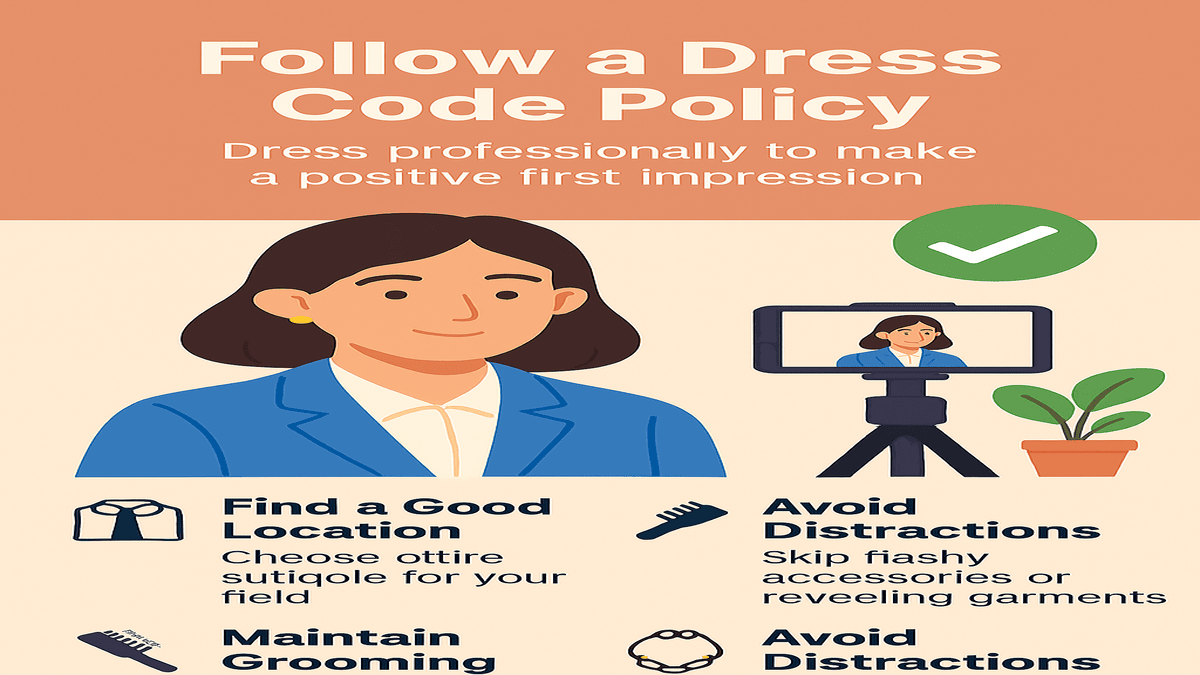
Your video resume is a short simulation of an interview environment. Dress as you would for a real interview, as first impressions matter even virtually.
Choose an attire that goes with the industry you are targeting. Pick formal wear for corporate roles and business casuals for creative fields. Avoid gaudy accessories or revealing clothes that go against business etiquette.
Alongside your dress, maintain the grooming standards similar to an interview setting. Ensure a neat hairstyle, clean or trimmed shave, or natural makeup for a professional look.
Step 4 – Practice The Script
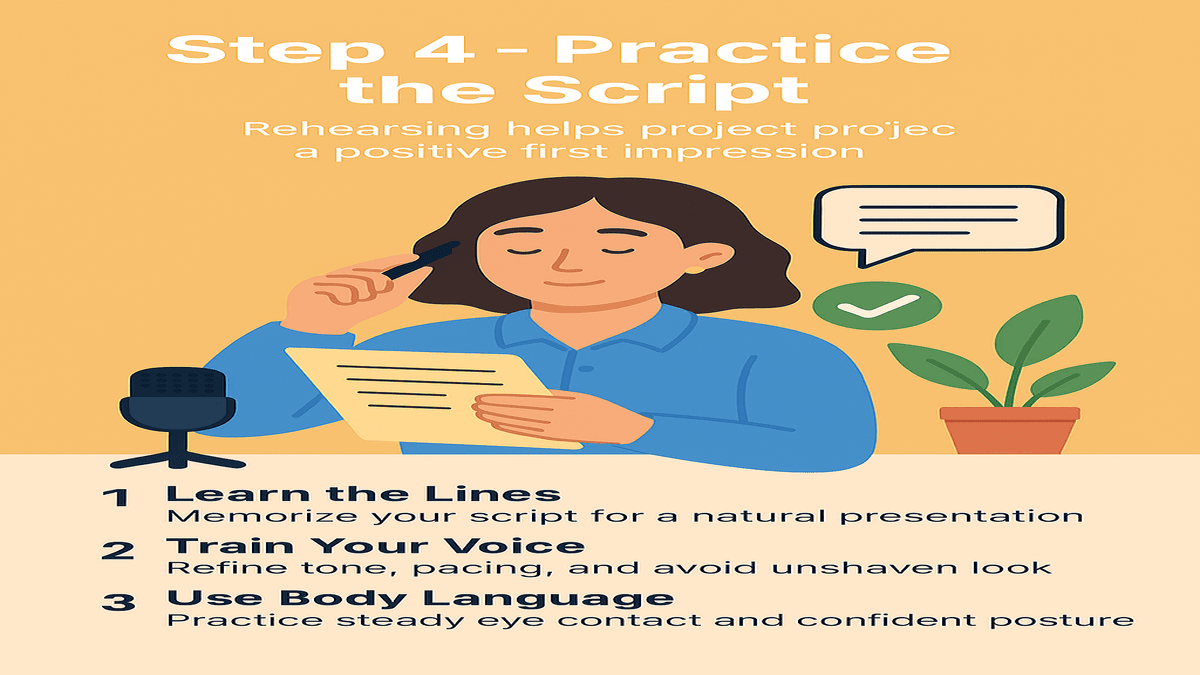
Prepare your video resume script well in advance so you can execute it effortlessly while filming. Rehearse your speech as many times so that you look and sound confident when you go in front of the camera. During your trials, check for your voice tone, pacing, and body language. Consistent practice allows you to spot weak areas like coarse voice, loud or mumbled speech, frequent eye movements, etc. Proceed with the final recording when you are sure that you can deliver the script effectively.
Step 5 – Recording The Video Resume
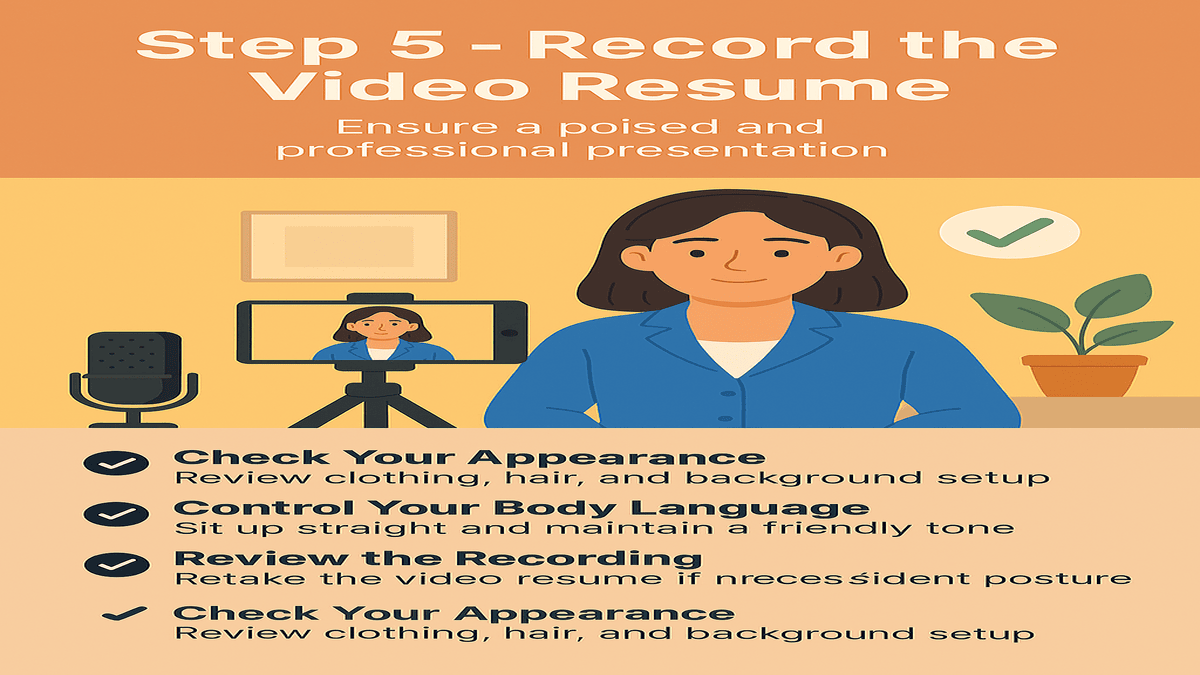
Now that you have run through the script, recheck the following before you start the recording.
- Your dress and overall appearance.
- The location for the filming, with the background setting, and the required equipment.
- Possibility of background noise and other interruptions.
Fix if anything is missing or out of order, and get started. As the filming begins, take control of your body language. Keep a good posture and appear relaxed. Speak naturally, looking into the camera as though you are conversing directly with a person sitting on the other side.
Review the video and check if the output is as per your expectations. If not, redo the footage until you are satisfied with the result. The delivery may have issues like fast or slow narration, weak alignment of voice tone and posture, or overly bright or dim light affecting the video quality. Identify what’s wrong and improvise in the next attempt. Take breaks and do not rush through the process. Compare the recordings and select the version that is closest to your expectations.
Step 6 – Edit and Polish The Video
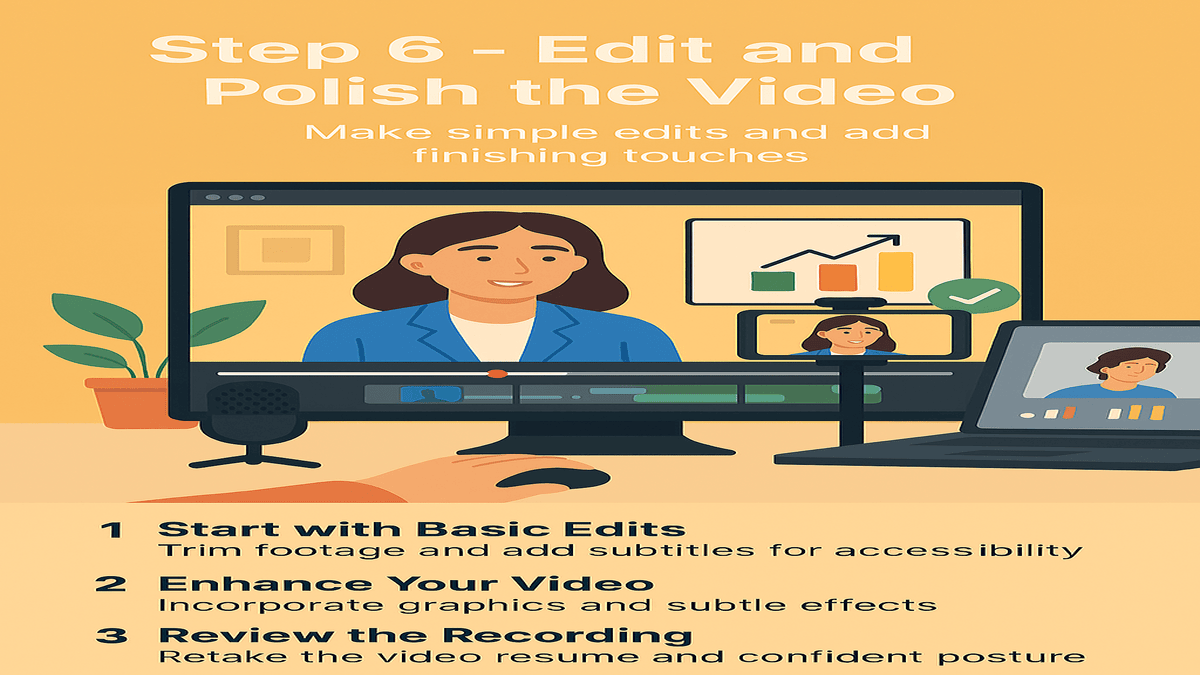
Once you have recorded your video, move over to the next process. Think about how you want to appear in the video. You can face the camera till the video ends and refine your video by applying basic editing such as trimming long pauses, removing background noise, or adjusting sound and brightness of the video. However, you should include subtitles for more clarity. This editing process is simple and can be done using basic apps and editing software like InShot or iMovie
In another approach, you can use enhancements to produce dynamic videos. You can add external elements, such as infographics, images, project clips, or design samples, and blend them with video effects. For example, a trainer can include short footage of her imparting training to a group of employees in a corporate event while speaking in the background.
This editing utilizes advanced editing software like Adobe Premiere or CapCut to create lush visuals. Integrate subtle transitions for visual appeal, but avoid using excessive effects. Try visually engaging the viewers while keeping it professional.
Step 7 – Share Your Video Resume
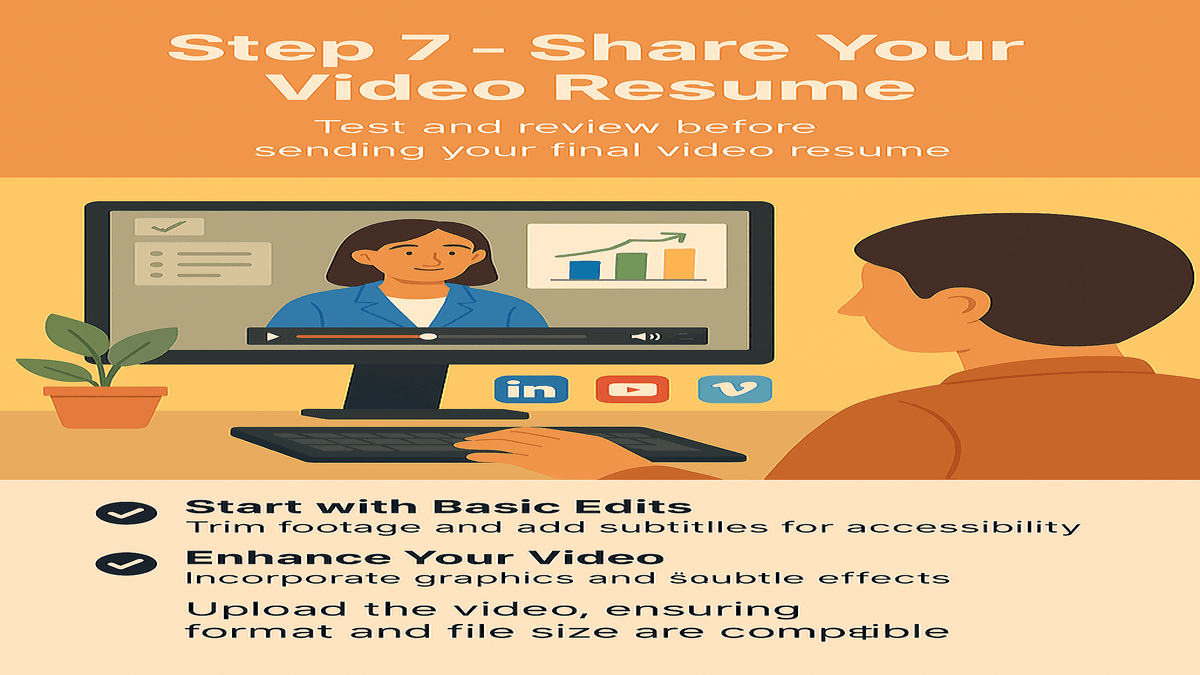
In the last step, review your video with your colleague or a senior. Their feedback can help you refine the final version. Test the video for its technical quality and see that it plays smoothly on different devices.
If you are sending it to an employer, check the instructions in the job posting regarding file size, format, or length. If none are mentioned, keep the file below 100 MB, save it as an MP4, and give it a professional name like R.Priya_VideoResume.mp4.
When required to send a link, upload it to YouTube or Vimeo with privacy settings, or use Google Drive or Dropbox and set the permissions to view only.
And, if you are a freelancer, consider adding your video resume to your personal website or LinkedIn. It gives you a leg up when you promote your work and attract clients.
Putting It All Together
Video resumes are a great way to highlight your qualifications, aptitude, and accomplishments. It allows you to show your authentic self in a visually stylish form. Unlike paper resumes, which score on how your content is structured, video resumes help you connect emotionally with the viewer, creating a memorable experience. With workplaces going virtual, it is steadily finding a place for itself as a strong tool for building a public persona. So, it is safe to say that they are evolving for the better and are likely to play a bigger role in the future of hiring. However, it is best to view them as a secondary document and use them as an enhancement during job applications, considering the employer’s requirements.
FAQs for the Next Big Trend in Job Applications
- What is a video resume?
A video resume is a short video where a candidate introduces themselves, highlights skills, experience, and career goals instead of using only a traditional text resume. - Why are video resumes becoming popular?
Video resumes help recruiters quickly understand a candidate’s personality, communication skills, and attitude, making the hiring process faster and more engaging. - Are video resumes suitable for all job roles?
Video resumes work best for roles that value communication, creativity, and presentation skills, but they may not be necessary for all industries or positions. - How long should a video resume be?
A video resume should usually be between 1 to 2 minutes, keeping the content clear, focused, and relevant to the job role. - Can a video resume replace a traditional resume?
No, a video resume is generally used as a supplement to a traditional resume, not a complete replacement. - What should be included in a video resume?
It should include a brief introduction, key skills, work experience highlights, achievements, and what value you can bring to the role. - What are the common mistakes to avoid in a video resume?
Poor lighting, unclear audio, lack of preparation, stiff body language, and overly long videos can reduce the effectiveness of a video resume.
Read More: How to Create a Resume? Step-by-Step Guide for Job Seekers

